OpenAI DevDay Exchange · All-Night Hackathon · Kochi, Kerala
StepSight
A visual desktop companion & autonomous guide, built overnight in Kochi.
We travelled to Kochi, Kerala for the OpenAI DevDay Exchange all-night hackathon and built StepSight from scratch. It is an intelligent Windows desktop companion that uses multimodal vision models to visually guide learners through complex desktop and web workflows step-by-step — or safely pilot actions autonomously with strict human-in-the-loop guardrails.
Overnight
all-night hackathon
Kochi
OpenAI DevDay Exchange
2 Modes
Guided & Autonomous
< 15 s
bounded action grant
the problem & the idea.
Bridging human intent and complex software, without brittle selectors.
Navigating cluttered portals like government booking sites (IRCTC), complex developer dashboards, or unfamiliar desktop apps can be daunting. Traditional automation tools rely on fragile accessibility trees or hard-coded DOM selectors that break whenever a stylesheet changes.
StepSight takes a pure computer-vision approach: it looks at what is actually rendered on screen via high-performance Windows Graphics Capture, understands natural language goals, and guides the user in real time — either as an interactive spotlight teacher or as a safe, supervised autonomous pilot.
Guided Mode (“I click”)
Observes the active application via Windows Graphics Capture. Draws a glowing animated cursor, pulse ring, and instruction callout right over the target button or form field without hijacking the user's mouse. Verifies completion visually before advancing.
Autonomous Mode (“Agent acts”)
When granted explicit consent, the agent can click, scroll, type, and verify steps in the target window. Supports complex multi-app handoffs (e.g., researching in Chrome then launching WhatsApp Desktop to share). Moving the physical mouse instantly pauses control.
safety by design.
Input authority requires uncompromising guardrails.
Giving an AI agent the ability to control mouse clicks and keystrokes is inherently dangerous without strict safety supervisor boundaries. We engineered StepSight with defense-in-depth:
Instant Physical Takeover
Any mouse movement or physical keypress immediately halts autonomous execution via a low-level Win32 hook and safety thread.
Time-Bounded Capability Grants
Every single primitive action requires a fresh, single-use authorization token with a strict 15-second expiry. No runaway loops.
Sensitive Step Air-Gap
Logins, credit card inputs, CAPTCHAs, and payment authorizations are hard-gated as manual-only. The agent refuses to touch credentials.
Local On-Device Privacy Masking
User-defined screen regions, passwords, and sensitive system areas are masked locally in memory before frames ever reach the inference API.
how it works.
- 1
1. Intent & Voice / Text Prompt
Describe the goal naturally (e.g., “Open Chrome and guide me to book a train ticket on IRCTC”). You can type or use 30-second voice input transcribed by Gemini.
- 2
2. Visual Screen Ingestion & Privacy Masking
The Windows client captures clean frame buffers using Windows Graphics Capture (WGC). Coordinates are normalized, sensitive zones are masked, and native window handles stay strictly local.
- 3
3. Multimodal Inference & Grounding
The FastAPI backend orchestrates calls to Gemini 3.1 Flash-Lite and 3.8 Flash with compact thinking tokens. It identifies the next UI interaction and computes exact bounding targets.
- 4
4. Supervisor Approval & Execution
The permission supervisor validates the current epoch, target geometry, and user consent. It draws smooth on-screen guidance (Guided) or dispatches tagged Win32 synthetic inputs (Autonomous).
- 5
5. Visual Verification Loop
Rather than assuming an action worked, StepSight takes a fresh post-action screenshot to visually verify state change before deciding the next step.
mobile remote controller.
Control & monitor the desktop agent from your phone.
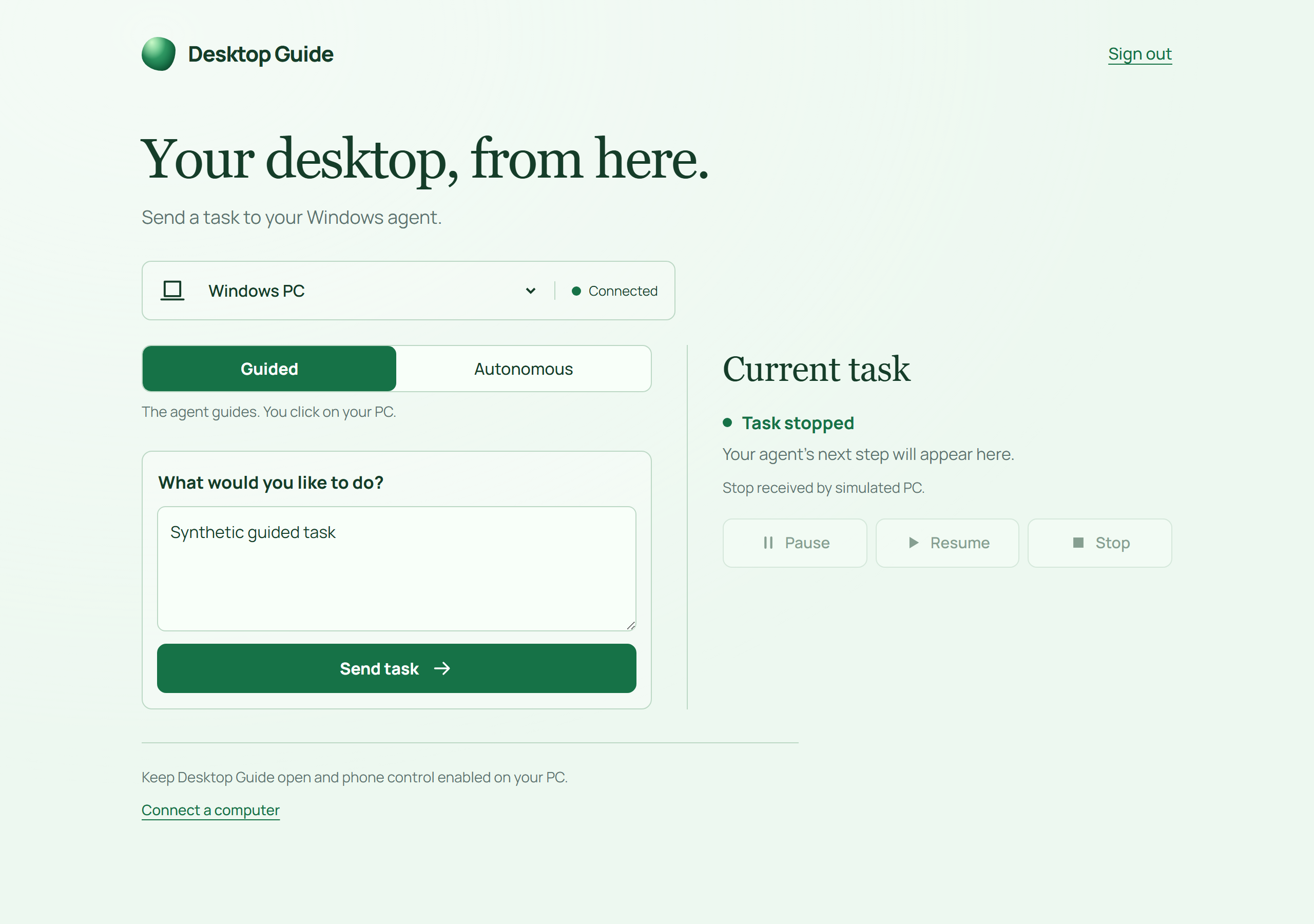
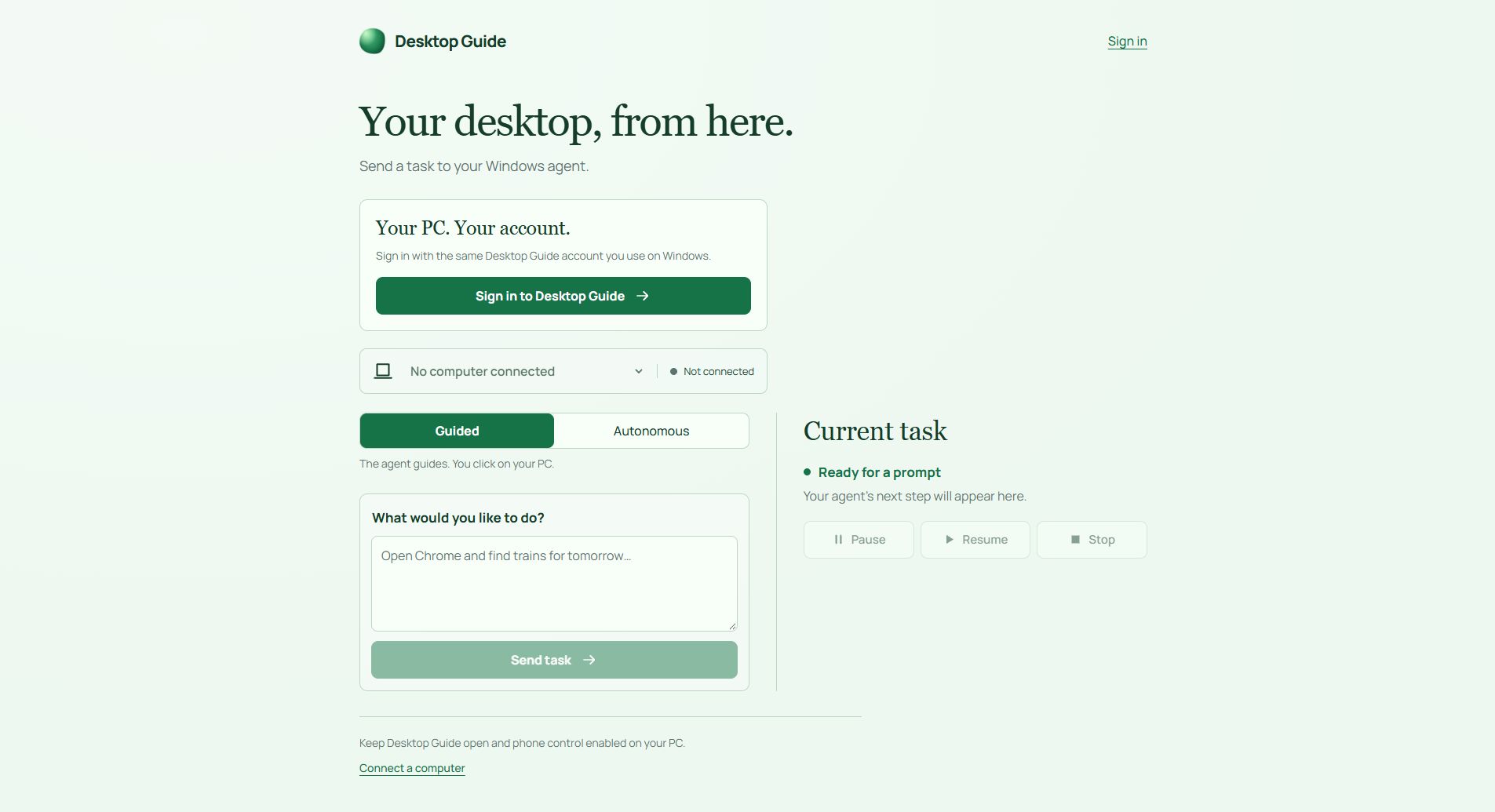
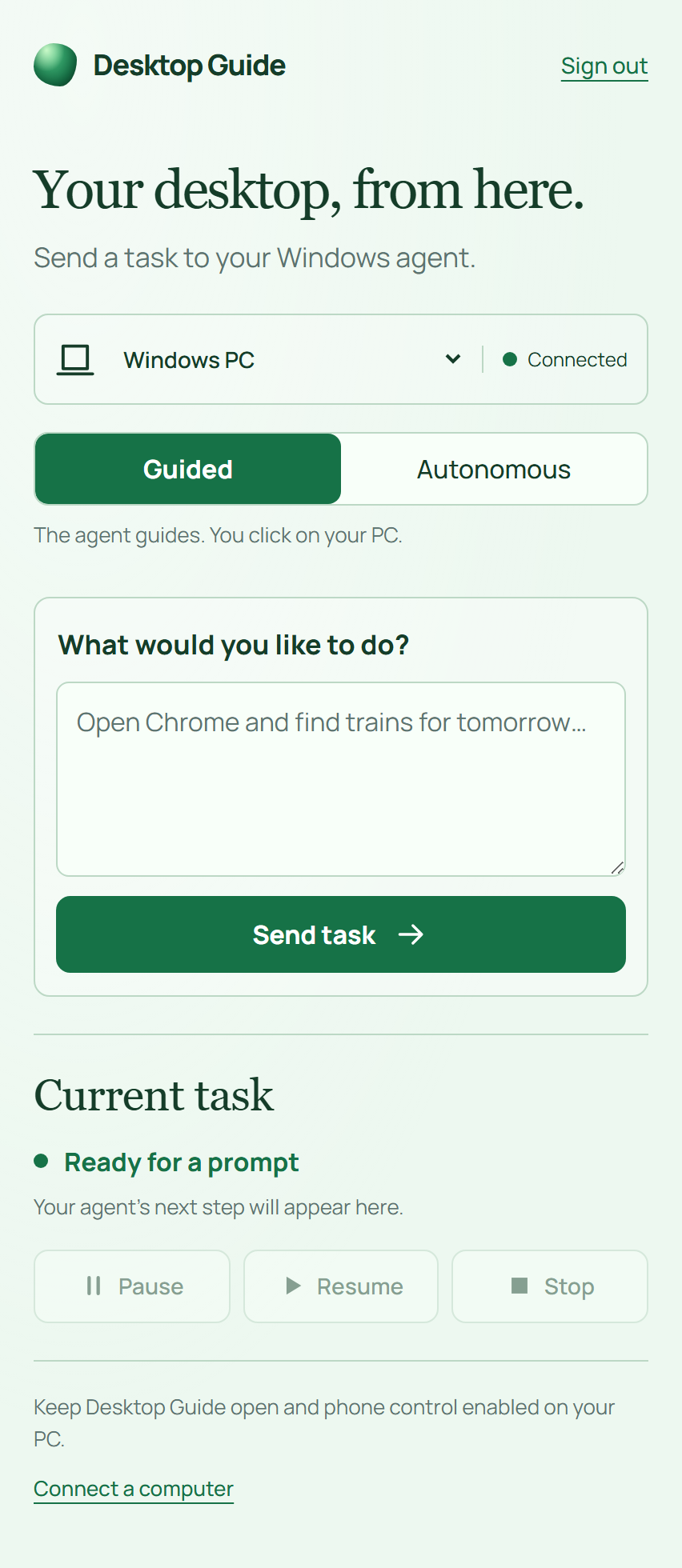
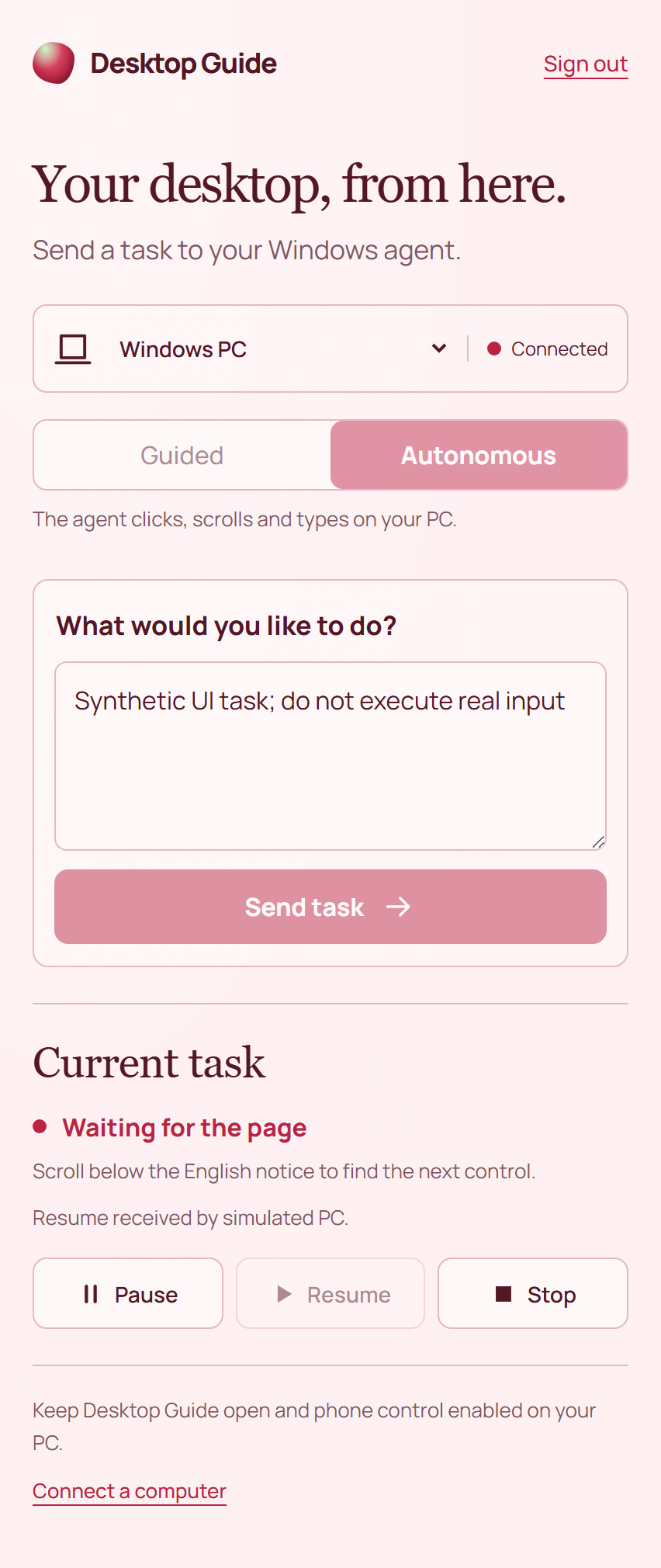
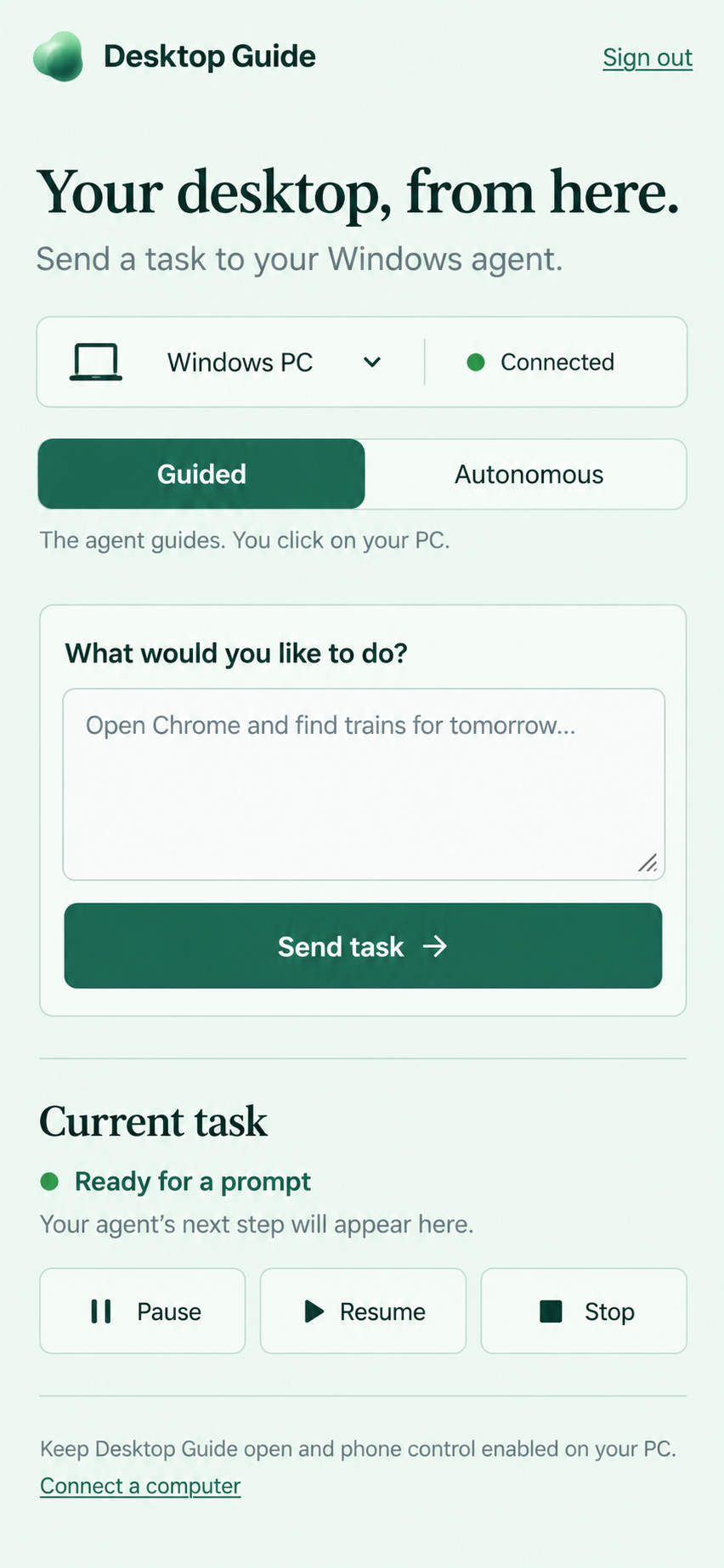
In addition to the Windows desktop client, we built an installable Progressive Web App (PWA) mobile controller. Paired over an account-bound ephemeral broker, it streams live autonomous task progress, displays agent thinking status, and lets users pause or trigger emergency stops remotely.
system architecture & stack.
Desktop Client
C# · Avalonia 12 · .NET 10 · Windows Graphics Capture (WGC) · Win32 Hooks · DPAPI
Backend & Orchestration
Python 3.12 · FastAPI · SQLAlchemy · Alembic · PostgreSQL
Cloud & Infrastructure
AWS (ap-south-1) · EC2 / ECS · Application Load Balancer · CloudFront · Cognito · Amazon S3
AI & Multimodal Vision
Gemini 3.1 Flash-Lite & 3.8 Flash via GCP Workload Identity Federation (keyless IAM)
Mobile Controller (PWA)
Vanilla JavaScript · HTML5 · CSS3 · Web App Manifest · Ephemeral Account-Bound Broker
the overnight sprint in kochi.
Building through the night, from scratch to demo.
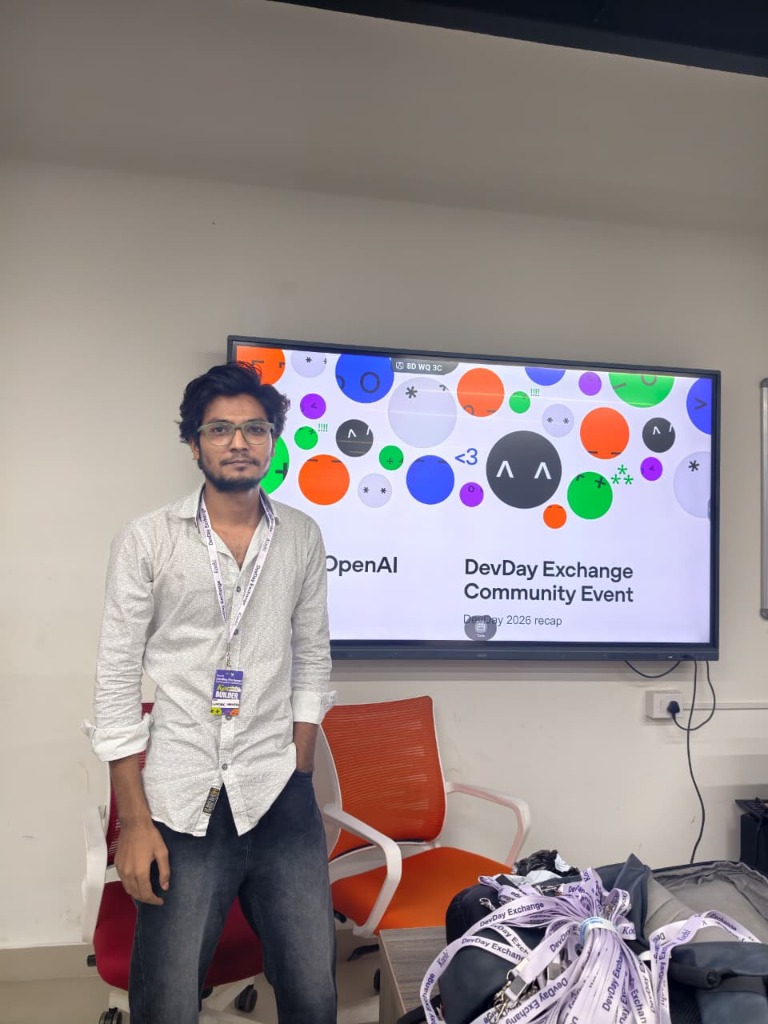
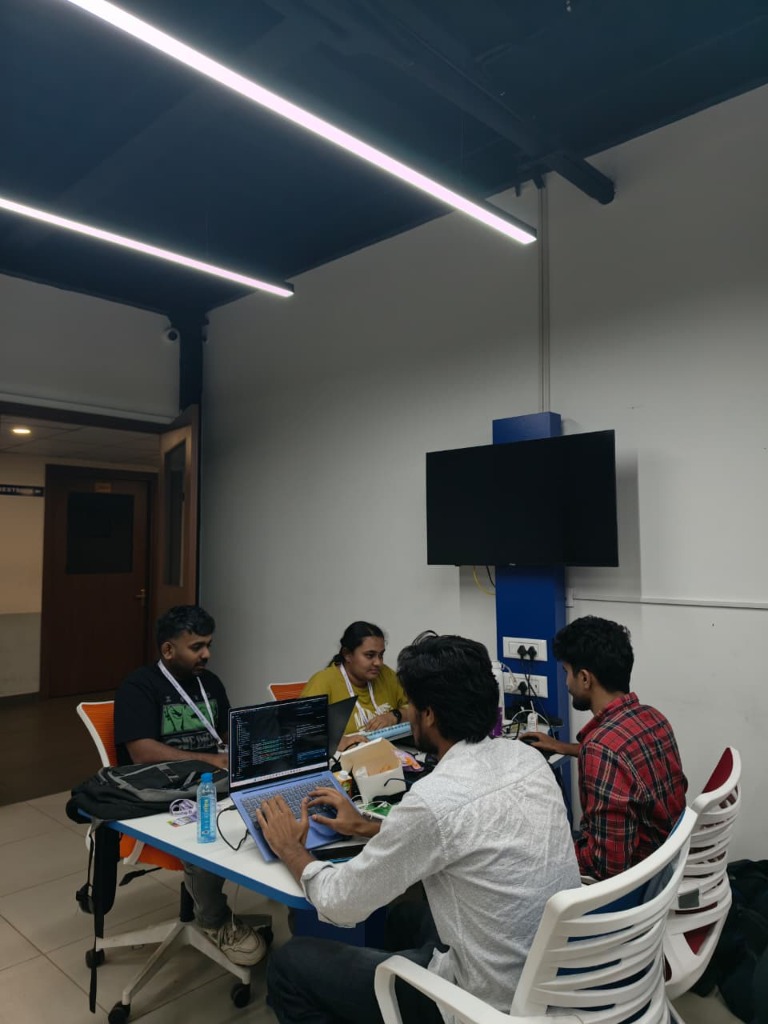
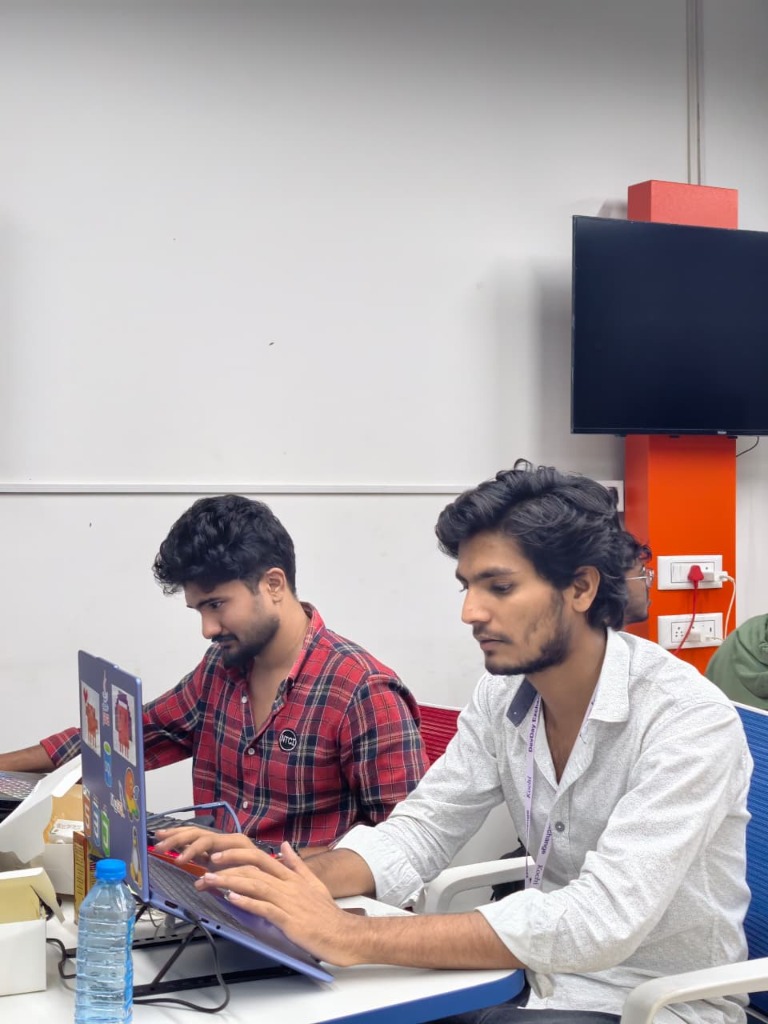
We arrived in Kochi for the OpenAI DevDay Exchange hackathon ready to build something ambitious. From midnight brainstorming to connecting high-performance Windows Graphics Capture and wiring up multimodal vision prompts, the entire team pushed through the night until the companion guided its first live application before sunrise.
hackathon takeaways.
Vision-first beats brittle DOM selectors
Website layouts, CSS class names, and native desktop app internals change constantly. Inspecting what human eyes actually see makes the guide far more resilient and universally applicable.
Safety must be physical, not just algorithmic
When building an agent with input authority, software promises aren't enough. Dedicating a separate safety thread to detect physical mouse twitch and immediately disarm the executor gave users total peace of mind.
The magic of an overnight hackathon
Travelling to Kochi for the OpenAI DevDay Exchange hackathon pushed us to ship something genuinely hard in a single night. From concept to passing tests and working live demos before sunrise.
download & live pilot.
Public Release · Windows x64
Desktop Guide (StepSight) Portable Pilot
Available as a portable ZIP package with visual cursor guidance, autonomous pilot mode, and cloud-backed Gemini inference.
the team & thanks.
Builders
Special thanks to Ashique Khan S, Adarsh Viswam, and Niveditha Sathish Nair for an unreal night of building, and to Vaishakh Suresh and the OpenAI DevDay Exchange Kochi team for hosting an incredible event.
Technologies & Topics